
Taming the Data Entry Parrot: Repeating Forms in Clinical Research
Sometimes study forms repeat. This three-part series looks at what makes each instance unique, what happens to its data over time, and how repeating forms relate to the rest of the study.

Series learning objectives
By the end of this series, you'll be able to:
Distinguish why a form repeats
Recognize the difference between a form repeated by the study schedule and a form repeated because the thing being described can occur more than once.
Define what makes an instance unique
Decide how someone can recognize whether an entry is genuinely new or refers to something already entered.
Decide what should carry forward
Determine when previous information should remain visible, populate a new instance, stay independent, or be reviewed and reconciled.
Show how instances relate over time
Use dates, relationships, and layout to help someone understand what already exists, what has changed, and where new information belongs.
Just like a parrot, sometimes study forms repeat.
A participant may have multiple tumors, medications, adverse events, or seizure types. Or several assessments may be completed during the same study event.
The challenge isn't getting the form to repeat. That's the easy part.
The challenge is deciding what should repeat, what shouldn't, and what each new instance needs to know about everything that came before it.
There is an important distinction here.
Some forms repeat because the study schedule repeats. A vitals form might appear at Baseline, Week 2, Week 4, and Week 8. The schedule tells us when another form should appear and which timepoint it belongs to.
Other forms repeat because the thing we're collecting information about can itself occur more than once. A participant can have several tumors, medications, adverse events, or seizure types. Some may exist only within a single study event. Others may persist across many.
That's when a simple + New button starts hiding a lot of decisions.
- Is this actually new, or is it something already entered?
- What makes one instance different from another?
- What information should carry forward the next time we see it?
- Can two instances overlap?
- Does the instance belong to a particular study event or persist across visits?
- What happens if we get one of those decisions wrong?
This three-part series looks at those questions from the perspective of the person entering the data.
- Part 1: Is this actually new?
- Recognizing existing instances, preventing duplicates and conflicts, making what's already there visible, and deciding what "+ New" really means.
- Part 2: What should come forward?
- Previous values, carry-forward, what stays independent and what persists, and when previous information needs to be reviewed or reconciled.
- Part 3: How does this fit with everything else?
- Dates, relationships, previous events, and layouts that help someone see what already happened before entering what happens next.
3 of 3 parts published
Taming the Data Entry Parrot: Repeating Forms in Clinical Research
Sometimes study forms repeat. This three-part series looks at what makes each instance unique, what happens to its data over time, and how repeating forms relate to the rest of the study.

Repeating Study Forms in Clinical Research: When “+ New” Isn’t New
Repeating a form starts with a deceptively simple question: is this actually new? Part 1 looks at how to identify repeated instances, prevent duplicates and conflicts, help people recognize what’s already there, and manage what happens when “+ New” starts something else.

Repeating Study Forms in Clinical Research: What Data Should Carry Forward
When a repeating form comes back, should it start fresh or bring previous data with it? Part 2 looks at what gets carried forward, what stays independent, and when previous information needs to be reviewed or reconciled.
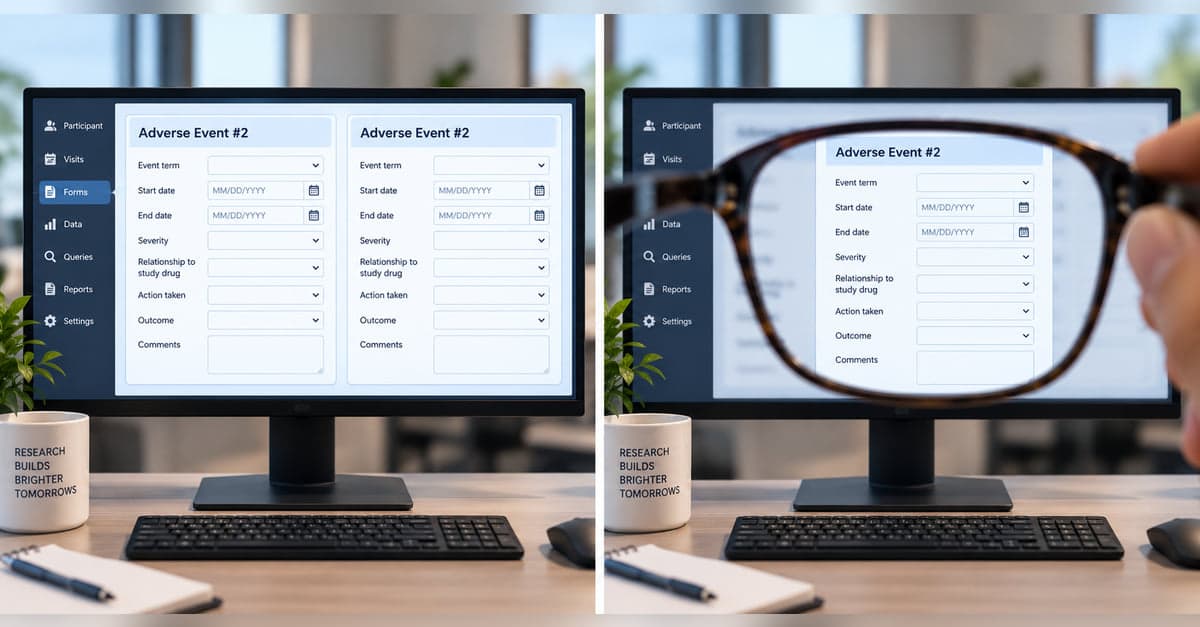
Repeating Study Forms in Clinical Research: How to Keep Instances Straight
Repeating forms can become difficult to manage when the same information appears across visits, dates, and related events. Part 3 looks at how thoughtful layouts and timelines can help people see what already exists, understand how it fits together, and know where new information belongs.
Designing something like this yourself?
Tell us what you are building and we will show you how it maps onto Studytrax.
Get started